

After the success of mechanising Keré with crankshafts and six servomotors, I expected the next step would be to finally work on a 3D design for the chassis and 3D print it with the olive pit filament. We started extruding the 2D pieces we designed into 3D and experimenting with the texture and shape using the open-source 3D creation software Blender. Up until now, since we were working with CAD software and 2D designs for the laser cutter, all the pieces were very polygonal. Keré has been constructed from branches and has sinuous legs, and we also wanted to give the 3D-printed final chassis that organic feel.
While we were starting to experiment with that, Aritz was worried that using six servomotors would overcomplicate the code and that maintaining coordination between the legs would be almost impossible, since the crankshaft mechanisms were not connected to the other pairs of legs. So, we began disassembling one axle of Keré to look for a better solution.

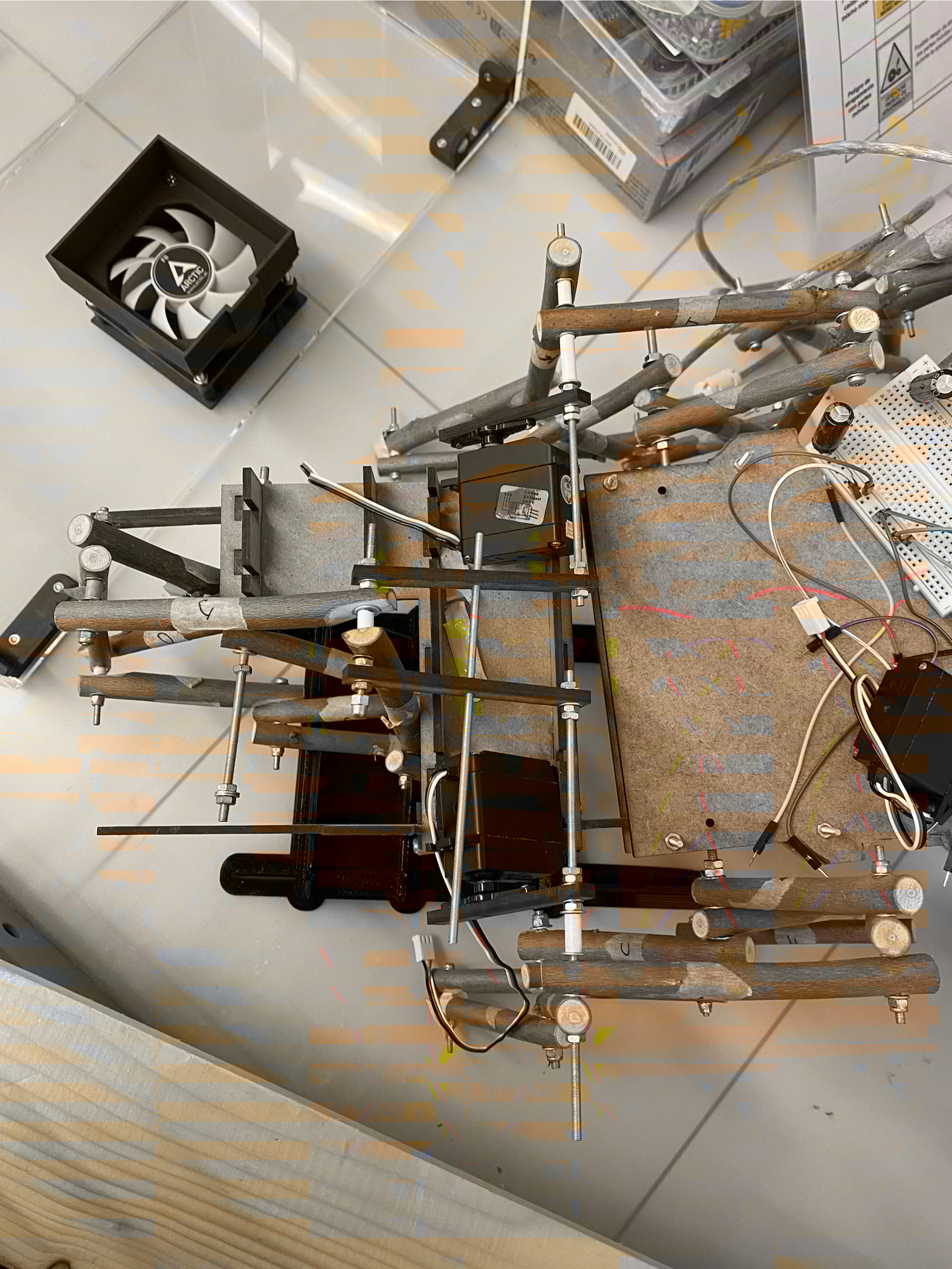
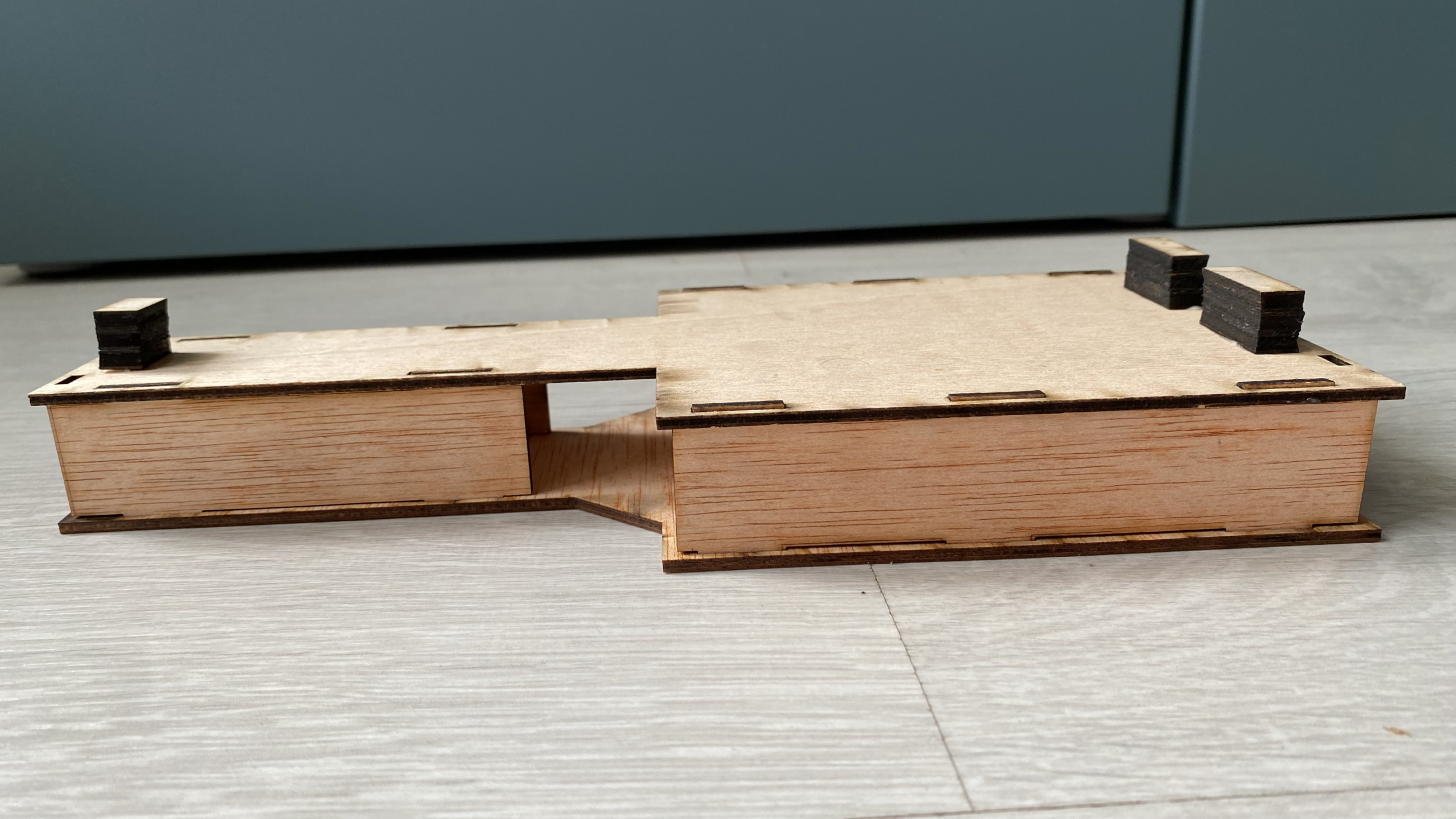
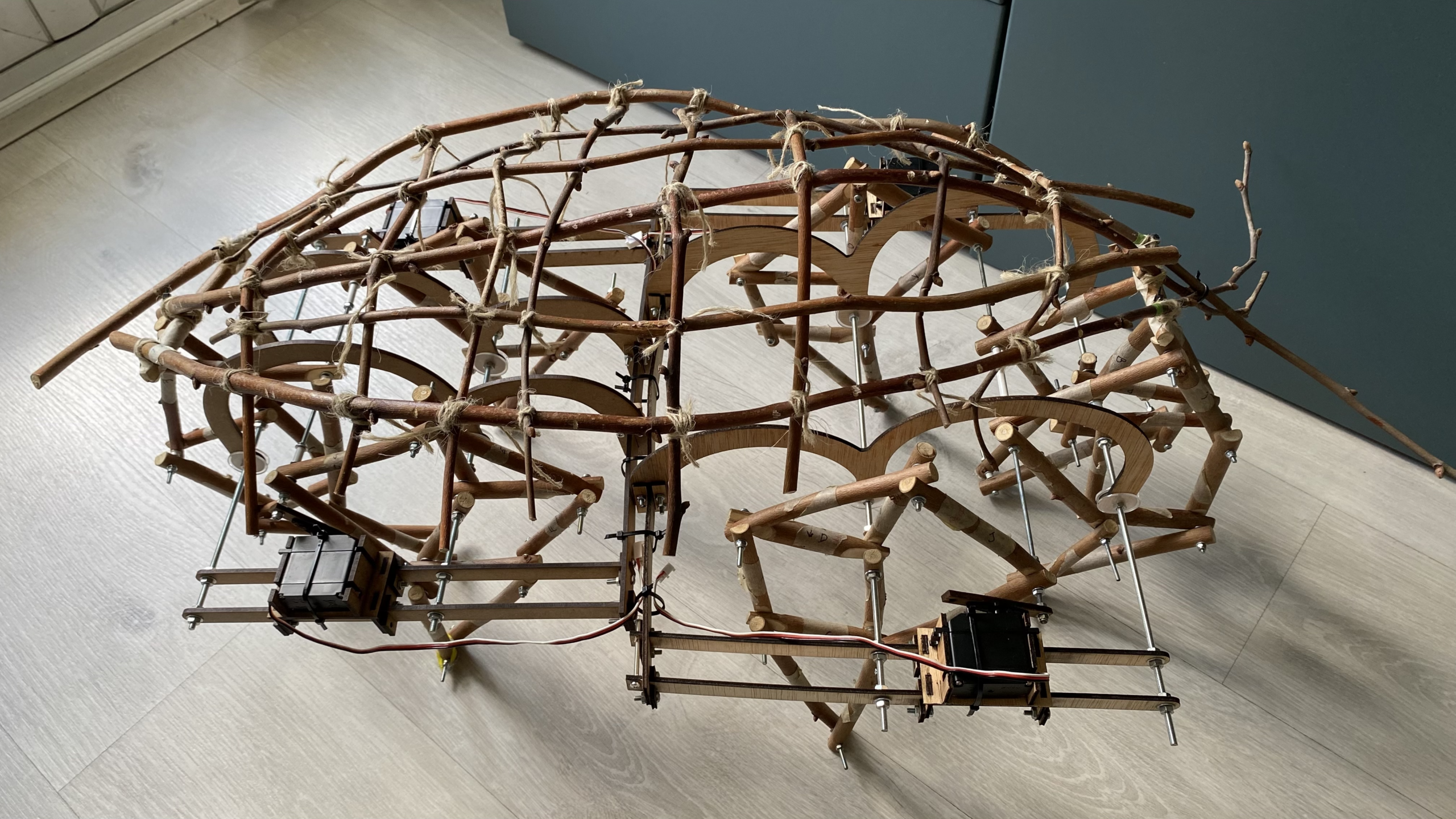
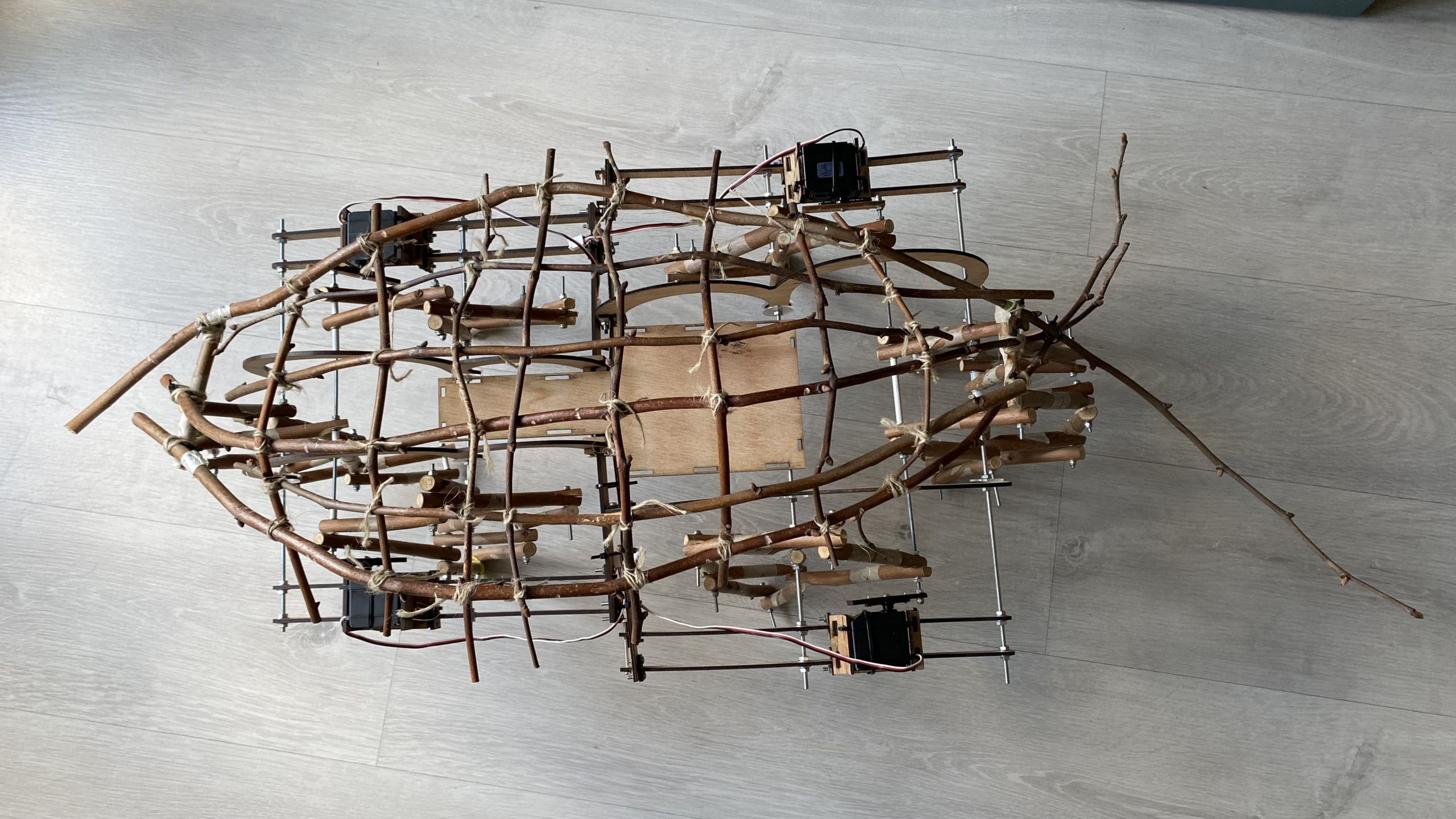
The idea was to reduce the servomotors to only four and to connect all the legs on each axle through some sort of crankshaft. In the original design, I had envisioned all the electronics and engines inside Keré's body. The legs’ texture and material were worth showing to maintain the puppet's organicity, and I wanted to keep them as visible as possible. But to connect the legs on each axle, we needed empty space inside Keré’s body to install the crankshaft. Hence, the engines needed to move to the outside. We started testing whether one servomotor could move more than one leg, and then we moved on to adding two servomotors outside each axle. And it seemed to work.
We then moved on to designing a new chassis structure so the puppet would have enough support, and designed new pieces to assemble everything. As in the previous model, we started with the smallest axle to see if it worked, in order to reproduce a larger copy for the axle with the double leg. I was able to run some tests with one axle holding the structure in the air, but it did not have enough support to sustain itself once it was left alone on the ground.
In parallel to the mechanical work, we started working on the electronics. Aritz taught me the basics of using the Raspberry Pi(1) environment and Python to start coding. First of all, we made a mind map of what I wanted Keré to do and how I wanted it to respond. To reinforce the puppet's agency, we agreed that for each stimulus received from the sensors, it would have a tree of 3-4 possible responses, which would appear randomly, so I cannot know what will happen next. This can create a less hierarchical relationship between the two of us.
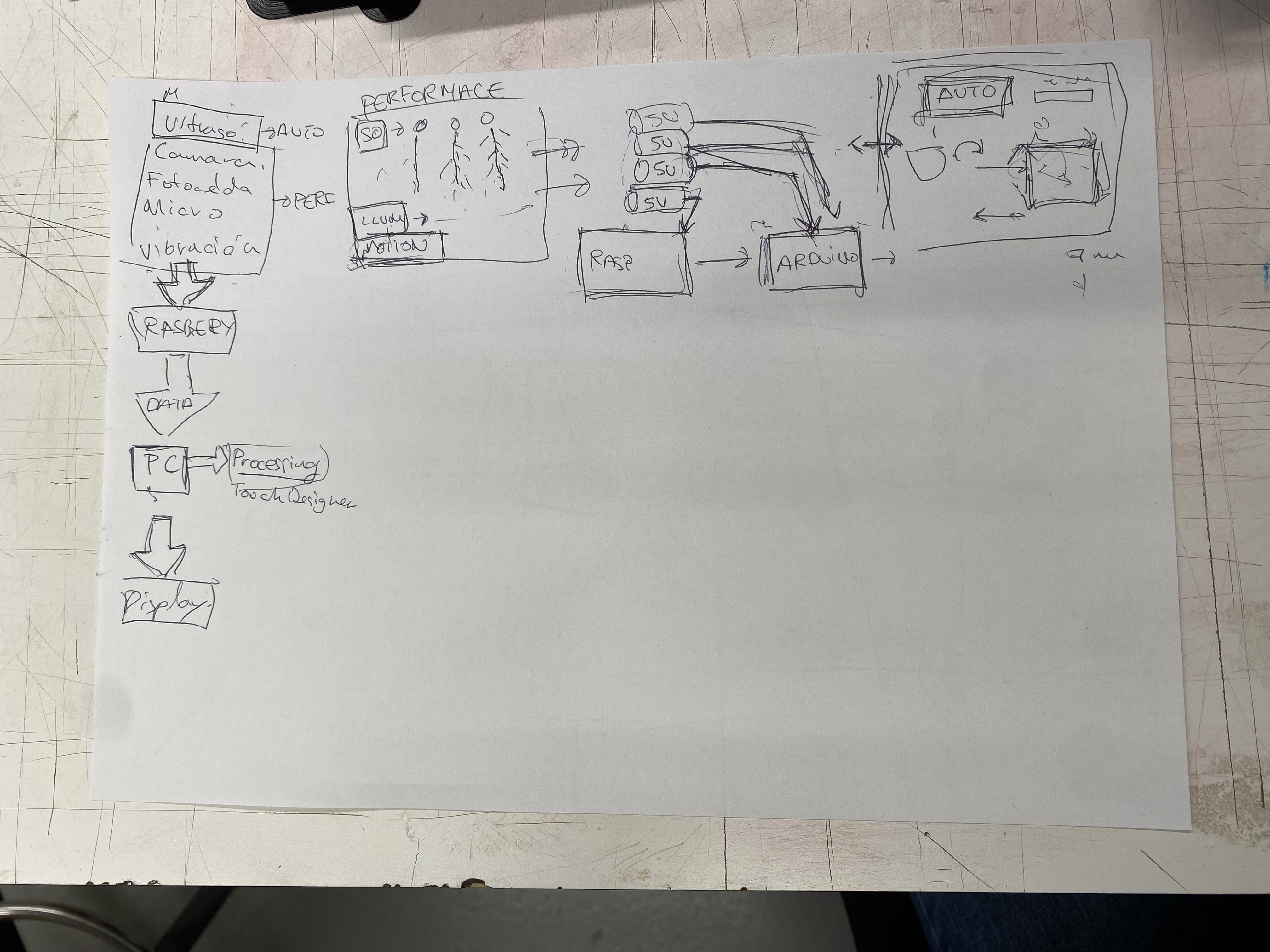
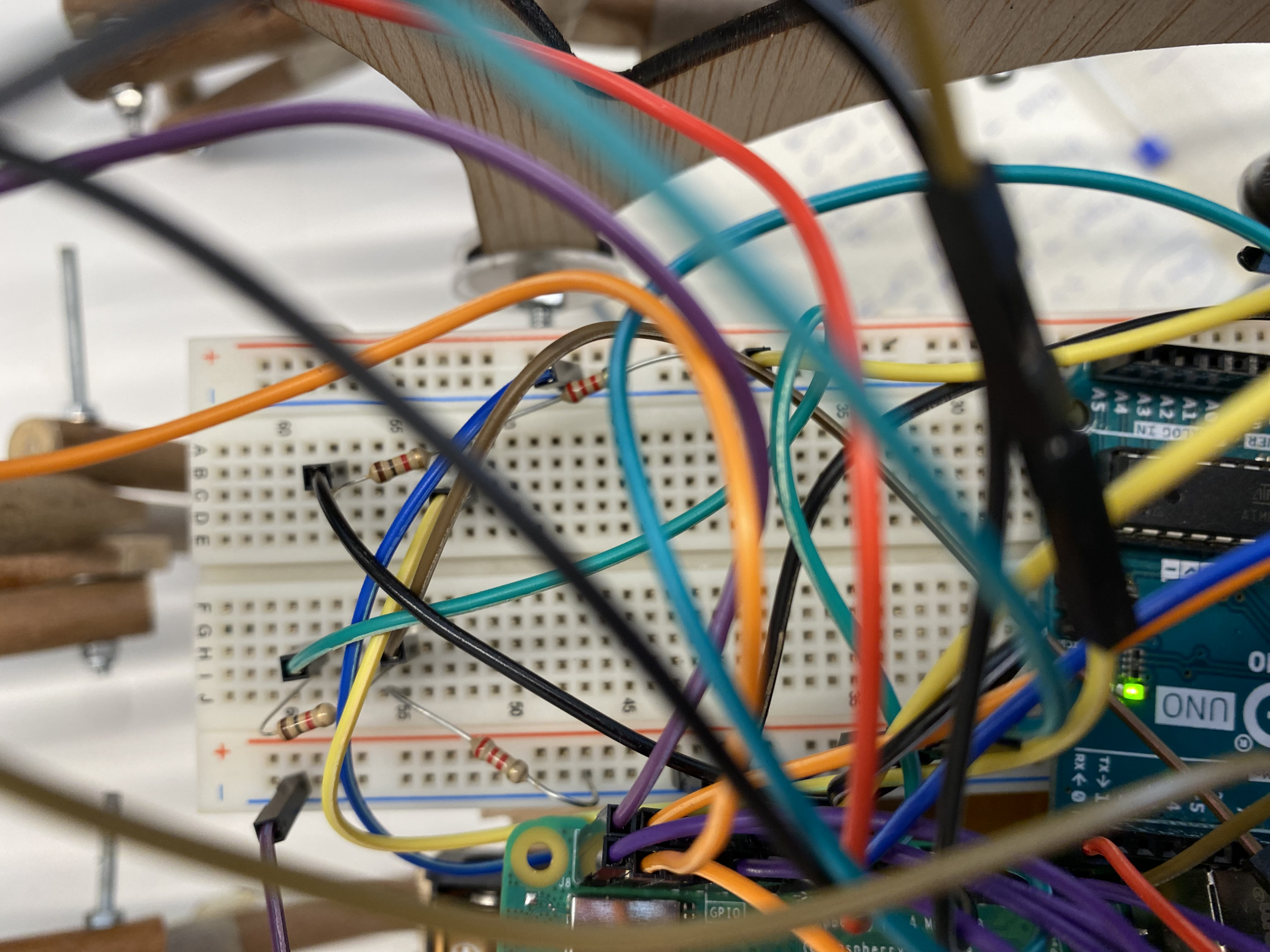
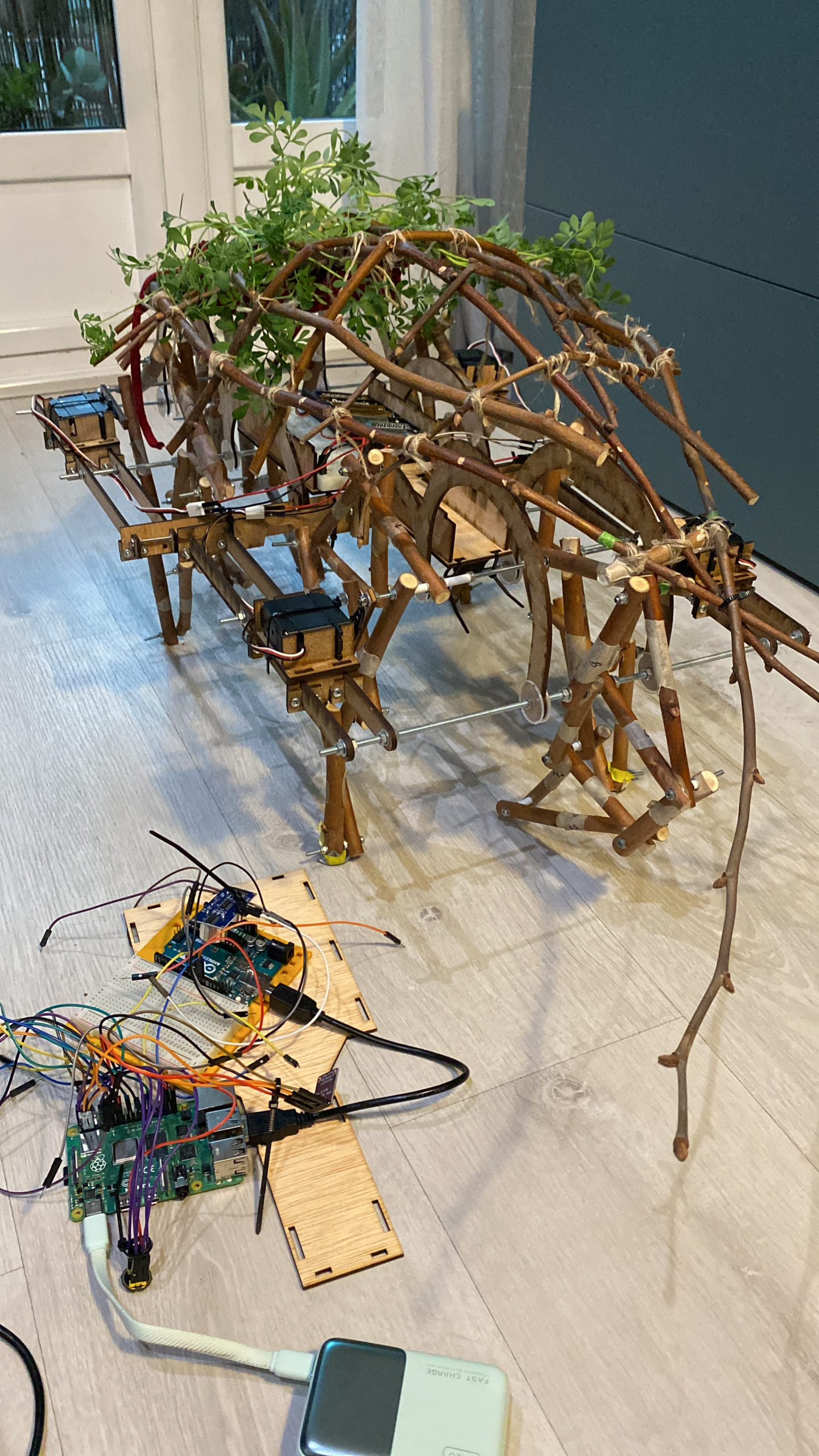
The Raspberry Pi hosts all the sensors and the camera, while the Arduino Uno board only controls the servomotors. It was important to separate them like this to avoid the servomotors' power peaks affecting the sensors' operation. We started working on connecting the two boards (using a USB cable) so that, with a touch sensor, we could start or stop a servomotor. At first, nothing worked. The servomotor kept spinning no matter what, but we figured it out. To assist with coding, we have been using DeepSeek, and once the project is fully coded, I will find a coder to help me clean up errors and unnecessary commands.
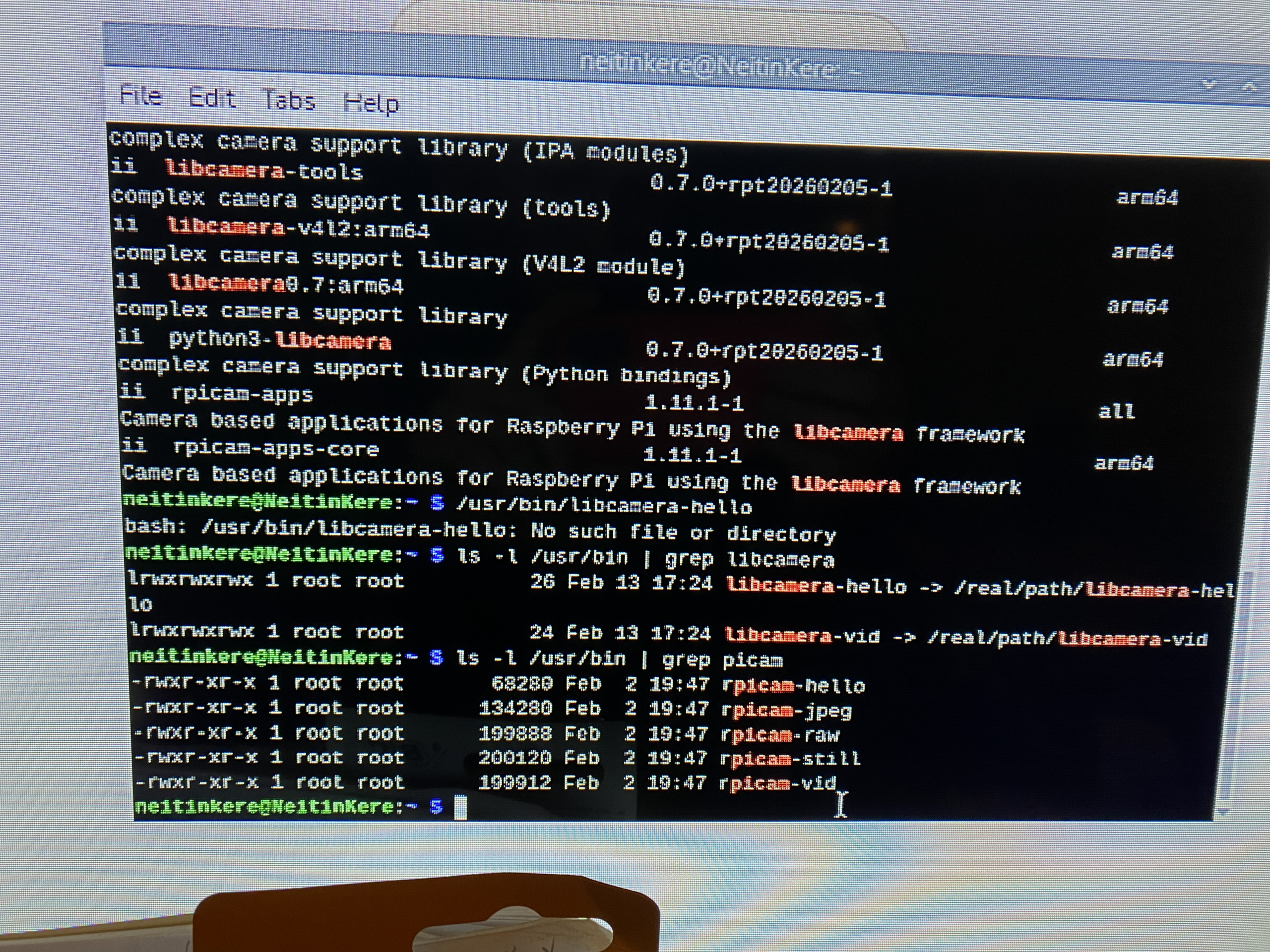
This was a whole new space for learning for me, since my experience with coding and electronics was quite basic, so I viewed every little step as a victory that was bringing me closer to fully interacting with Keré. We then moved to connect and set up the camera(2). Using a camera that provides a live view from inside Keré is intended to diminish the hierarchy between us. Another visual I will include is a live feed of the sensors' internal process. We have been using Terminal to visualise what is happening, but we still need to find a more appealing way to display the information. Altogether, the audience will be able to see the puppet’s point of view and internal coding, which will have the same power as I in co-creating the performance.
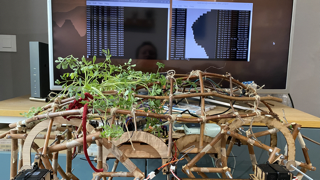
The next step was more complicated. I wanted to be able to interact with Keré through the sound of my voice. I bought some INMP441 microphone sensors to communicate with the puppet. First, we tested if the Raspberry Pi was detecting the sensor and if it was working. It seemed to be impossible. We went down a loophole for two weeks trying to figure out what was going on. We tried the sensor on other boards, and it seemed to be working. We tried with another sensor, but it couldn't detect it either. In the end, we figured out that the new OS on the Raspberry Pi does not allow you to install certain plug-ins unless you do so through a virtual environment. Once we resolved this, the work with the rest of the sensors was much more straightforward.
We then moved to start adding more servomotors, we needed four in total, and the HC-SR04 ultrasonic sensor. We had some issues setting it up, and it still sometimes doesn't work properly, but for now, we will keep using it before jumping to a more expensive option. The ultrasonic sensors are necessary so Keré can skip obstacles. In the final design, there are two ultrasonic sensors measuring distance: one at the front and another at the back. The first test we ran involved two servomotors activated by my voice, which then stopped when the ultrasonic sensor detected an object nearby.
To organise Keré’s reactions, I will use a colour-coded stage lighting system. When it receives a green light, Keré moves with its random movement pattern. When the light is purple, Keré adds the reaction to my voice, and when the light is blue, it will stop, no matter what other sounds are happening on stage. In that sense, it is an indirect way for us to communicate. To recognise the different light colours, I am using the TCS34725 RGB sensor. With this last sensor working, we were able to run a test on the whole circuit for the first time.
We used the four servomotors, added another ultrasonic sensor, and included the mic sensor and the RGB sensor. Since we could not use different-coloured lights at the AdF, we programmed the RGB sensor so the system would work with white light and block it when it detected another colour. The servomotors were activated by my voice, and this time, when any of the ultrasonic sensors detected an object, the servos' direction of rotation would change.
We were now ready to connect the whole system to Keré’s body. The first attempt did not work at all. We got some movement, but there were problems with power and structural tension that we needed to address.
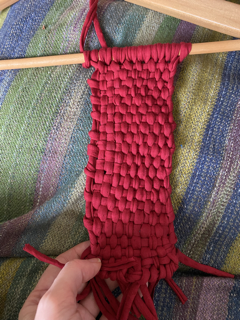
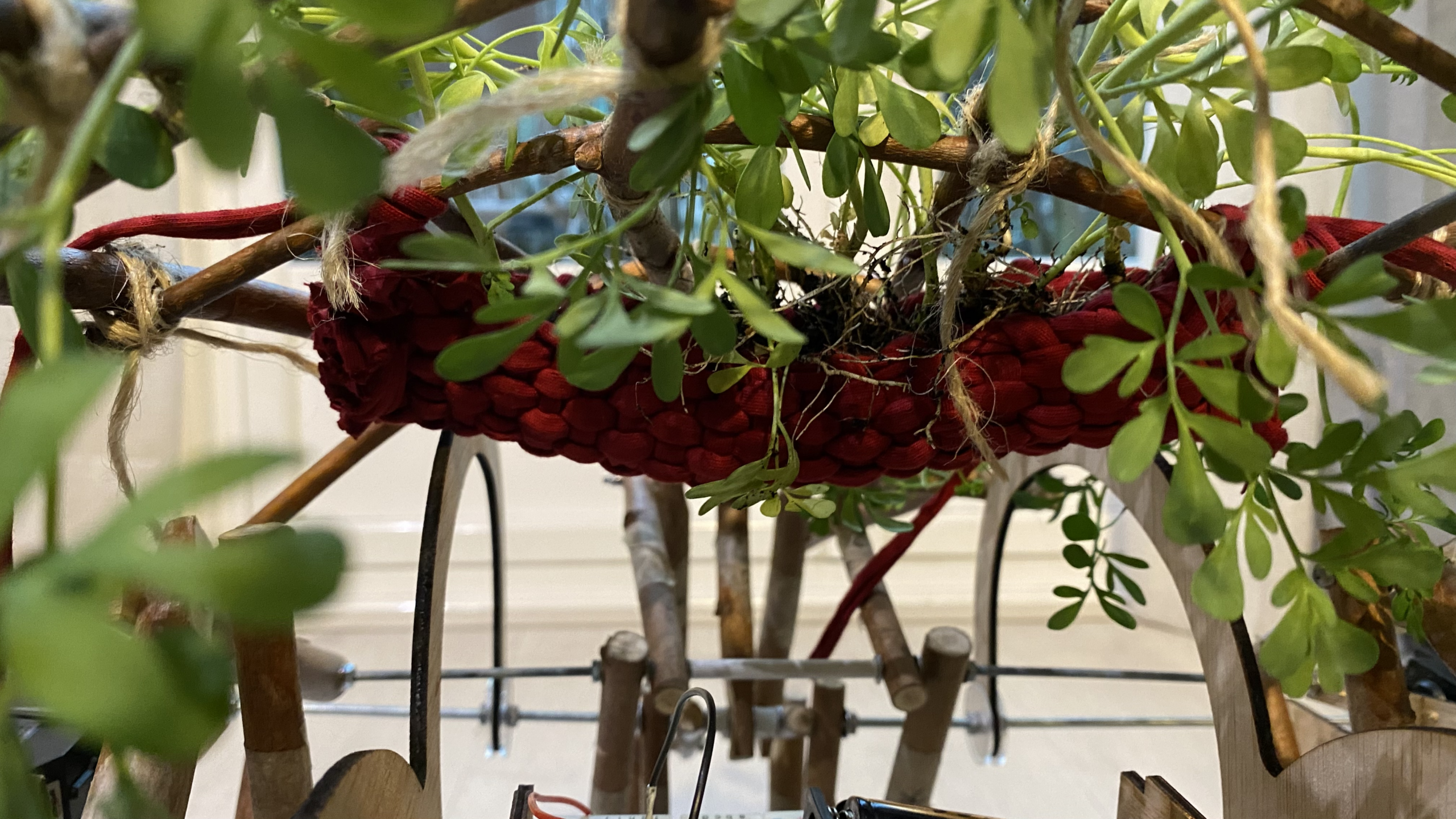
While we were working on the sensorial parts of the puppet, I started designing the baskets that will hold the plants on the dome. I used a fabric similar in colour and material to that of Neitin’s costume to reinforce the idea of our connectedness.
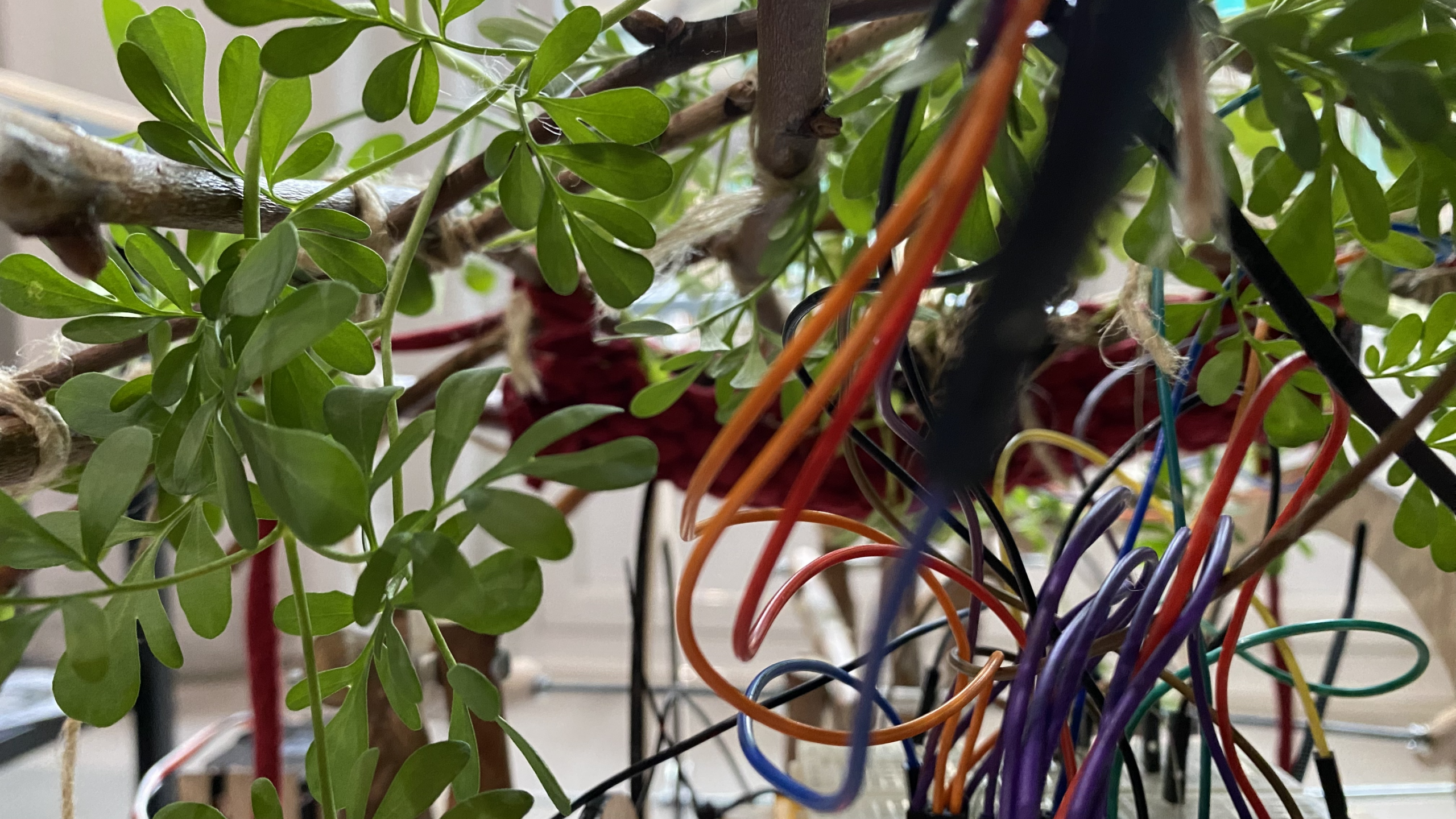
Over the last few days before submitting the dissertation, I have been trying to put all the elements together. I addressed some of the structural tensions in the crankshaft mechanism. I added the dome with the plants (this time I used common rue instead of lentils) and have run some tests with an almost-complete prototype of Keré. There are still problems with the mechanism that need fixing. Although it still does not walk properly as it did with the six servomotors, I have demonstrated a bit of our interaction process. As much as time has allowed.
I will continue working at the AdF with Aritz to resolve the issues and code the random tree responses so that Keré and I can fully interact. I will keep uploading any further progress to the website as separate entries, with a warning that the progress was made post-submission.





(1)I am using a Raspberry Pi 4 Model B (4Gb)
(2)I am using the Raspberry Pi camera module v3 with standard 75º